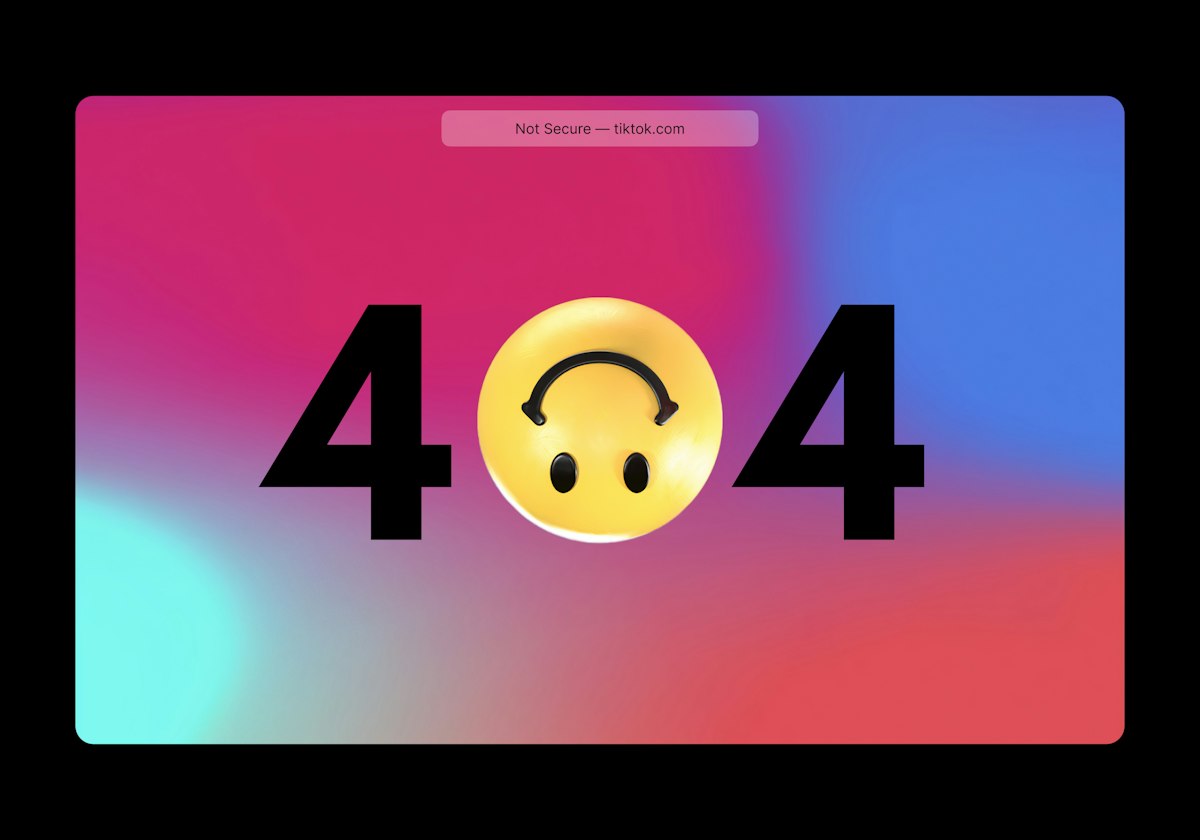
Imagine walking into a library. You ask the librarian for "Harry Potter," and she points to a specific shelf. You walk over, excited, but the shelf is empty. There is no book. There is no note. Just a blank space.
That feeling of confusion? That is exactly how your users feel when they hit a 404 Not Found error on your website. They came looking for answers, and your website gave them a dead end.
In the world of the web, this isn't just a minor annoyance. A 404 error is a "Stop" sign for potential customers. It breaks their trust, it kills their momentum, and—perhaps most importantly—it confuses Google. If you want to rank high, you need to fix these leaks immediately.
Why You Can't Ignore 404s
What Exactly IS a 404 Error?
Let's dumb it down. When you type a URL into your browser, you are effectively calling a phone number. If the person picks up, that is a "200 OK" status. The conversation happens.
A "404 Not Found" means the phone rang, but the operator said, "Sorry, this number doesn't exist anymore."
This happens for three main reasons:
- The page was deleted: You removed an old blog post or product.
- The URL changed: You renamed "k2zdigital.com/services" to "k2zdigital.com/our-services" but didn't tell anyone.
- User Error: Someone typed the link wrong (e.g., "k2zdigital.com/contact" instead of "contact").
The Silent Killer: Soft 404 vs Hard 404
This is where things get tricky. Google distinguishes between two types of "missing" pages, and knowing the difference is vital for your 404 error fix strategy.
| Feature | Hard 404 (The "Honest" Error) | Soft 404 (The "Liar") |
|---|---|---|
| What happens? | The server explicitly tells Google: "This page is gone. Do not index it." | The page looks empty or says "Page Not Found," but the server tells Google "Everything is fine! (Status 200)." |
| Google's Reaction | Google removes the page from search results. (This is good/correct). | Google keeps crawling the empty page, wasting resources and getting frustrated. |
| The Fix | Usually fine, or redirect it. | Urgent fix needed. You must fix the server status code. |
✅ Pro Tip: How to Spot a Soft 404
If you have a page that says "Sorry, no products found" but the URL is still valid, you might have a Soft 404. You need to ensure your developer configures the server to send a proper 404 header, not just show a "Not Found" text on a live page.
How to Find Your 404 Errors
You can't fix what you can't see. You don't need to click every link on your site manually. Use these tools:
- Google Search Console (Free & Best): Go to Indexing > Pages. Look for "Not found (404)." This is exactly what Google sees.
- Screaming Frog (For Pros): This tool crawls your site like a spider and spits out a list of every broken link.
- Broken Link Checker (WordPress Plugin): Simple tools that scan your blog posts for dead links.
The Master Plan: How to Fix 404 Errors
Once you have your list of broken URLs, don't just delete them. You have three strategic options. Choose wisely.
Option 1: The 301 Redirect (The "Forwarding Address")
This is the best option for SEO. If you deleted a page called "Blue Widgets" and created a new page called "Red Widgets," don't leave the old user hanging.
Set up a 301 Redirect. This automatically sends anyone who visits the old link to the new link. It transfers the "SEO power" (link juice) from the old page to the new one.
Option 2: Restore the Content
Did you delete a page by accident? Or did you delete a product that still gets 1,000 visits a month? If the page has value, bring it back. Restoring the page is the easiest way to fix the error.
Option 3: The 410 "Gone" (The "Nuke It")
If the page was a low-quality post from 2015 that nobody reads, and you have no relevant page to redirect it to, let it die. You can use a "410 Gone" status code, which tells Google, "I deleted this on purpose. Never come back."
Custom 404 Page Best Practices
Sometimes, users will land on a 404 page (usually because they typed the URL wrong). When this happens, you need a safety net.
A default "Server 404" page is ugly and scary. It makes people hit the "Back" button immediately. A Custom 404 Page keeps them on your site.
💡 4 Ingredients of a Perfect Custom 404 Page
- Empathy & Humor: "Whoops! Looks like you took a wrong turn." Don't blame the user.
- Search Bar: Give them a way to find what they were actually looking for.
- Key Links: "While you are here, check out our [Best Selling Services] or read our [Latest Blog]."
- Branding: Make sure the menu and logo are still visible so they know they are still on your safe, secure website.
Summary: Don't Let 404s Sink Your Ship
Technical glitches like 404 errors, broken links, and soft 404s are more than just housekeeping—they are revenue protection. Every broken link is a lost customer. By auditing your site regularly and using smart redirects, you turn dead ends into open doors.
Is Your Website Full of Dead Ends?
You shouldn't have to spend your weekends hunting for broken links. Our Technical SEO team can audit your entire site, fix every 404 error, and ensure your traffic flows smoothly to your checkout page.
Fix My Broken Links